
A Deep Dive into Online Privacy and Safe Data Conversion
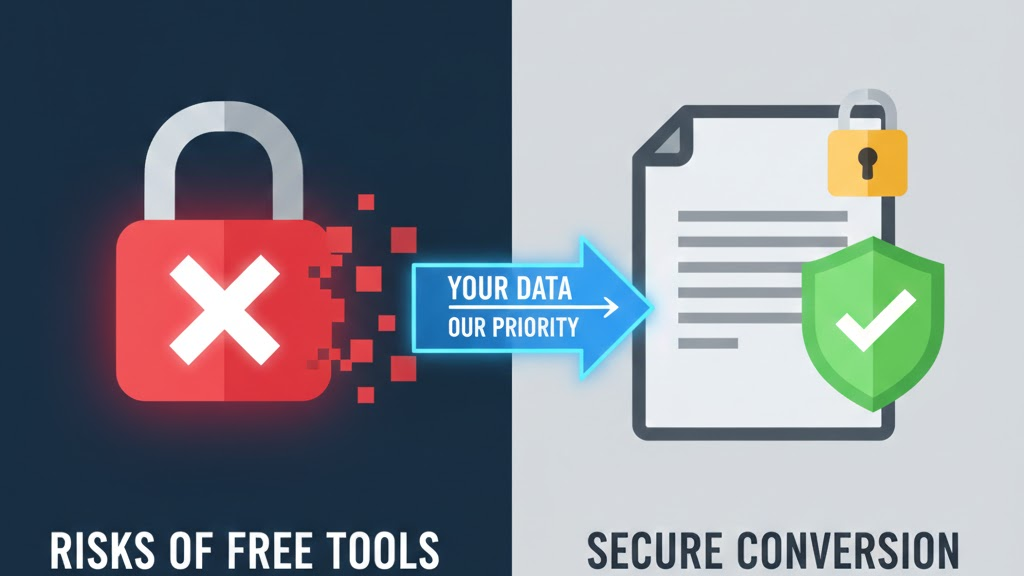
In an era where data is often called the “new oil,” protecting your digital assets has never been more critical. Every time you use an online tool to convert a PDF, resize an image, or edit a document, you are essentially handing over a piece of your digital life to a server.
At anytool.site, we believe that utility should never come at the cost of privacy. In this guide, we’ll explore the risks of the digital landscape and how you can ensure your data stays safe when using web-based tools.
1. The Hidden Risks of “Free” Online Tools
The internet is full of “free” converters and editors, but as the old saying goes: if you aren’t paying for the product, you are the product. Some unscrupulous sites may:
- Harvest Metadata: Even if they don’t keep your file, they might scrape the “hidden” data—like your GPS location, camera settings, or author name—to sell to advertisers.
- Persistent Storage: Some sites store your files indefinitely on their servers, creating a massive security risk if their database is ever breached.
- Email Harvesting: Many tools force you to “Enter your email to receive the file,” which is often just a tactic to build spam lists.
2. What Does “Secure Processing” Actually Mean?
When a site claims to be secure, it should be doing three specific things:
A. SSL Encryption (HTTPS)
This is the bare minimum. It ensures that the “tunnel” between your computer and the server is encrypted. Without the padlock icon in your browser, anyone on your Wi-Fi network could potentially see the file you are uploading.
B. Automatic Deletion Protocols
A truly safe tool processes your file in a temporary environment (often called a “sandbox”) and then triggers an automatic deletion script. At anytool.site, we prioritize this “Ephemeral Processing”—your files exist just long enough to be converted and downloaded, and then they are wiped from existence.
C. No Account Requirements
For simple tasks like image compression, you shouldn’t have to provide a username, password, or email. The less information a site has about you, the safer you are.
3. Best Practices for Handling Sensitive Data
While web tools are incredibly convenient, you should still practice “Digital Hygiene” when handling sensitive information:
- Redact Before Uploading: If you are converting a bank statement or a contract, use a black marker or a digital brush to cover up Social Security numbers or private addresses before uploading.
- Check the Privacy Policy: Look for a clear statement on how long files are stored. If a site doesn’t have a Privacy Policy, leave immediately.
- Use Modern Formats: Formats like PDF are generally more secure for sharing than editable Word docs, as they can be password-protected.
4. Why Browser-Based Tools Can Be Safer Than Software
Surprisingly, using a reputable web tool can actually be safer than installing “cracked” or unknown software on your desktop.
- Sandboxing: Browsers isolate websites so they can’t access your hard drive.
- No Malware: You don’t have to worry about a
.exefile installing a virus in the background while you’re just trying to resize a photo.
The goal of anytool.site is to provide a “Swiss Army Knife” of digital tools that you can trust. We believe that by being transparent about how data is handled and by implementing strict deletion policies, we can provide a service that is both powerful and private.
Stay safe, stay informed, and always be mindful of where your data travels.